DISPLAY FIXFREE
Fit your
screen.
Apply or remove the supported game resolution fix. Select a screen and move the running game to it.
 AOToolsTOOLS FOR ANGELS ONLINESee plans
Search the market, find your saved items, follow production and set up your game. One Windows app, from your first message to your next crafting session.
New features are coming soon. Follow update news on Discord.
AOTools keeps your market searches, saved items, production activity and everyday game tools together. Start with the free tools, then add the features you use.
Search listings, compare prices and find sellers.
Explore Marketplace →MaxFind saved items across your linked characters.
Explore Storage →PlusFollow gathering, crafting and remaining capacity.
Explore Prod Manager →FreeSave messages, choose channels and set schedules.
Explore Auto Chat →FreeChoose which panels appear when a client starts.
Explore Game UI →FreeDisplay Fix, chat censorship and EXP / SXP calculator.
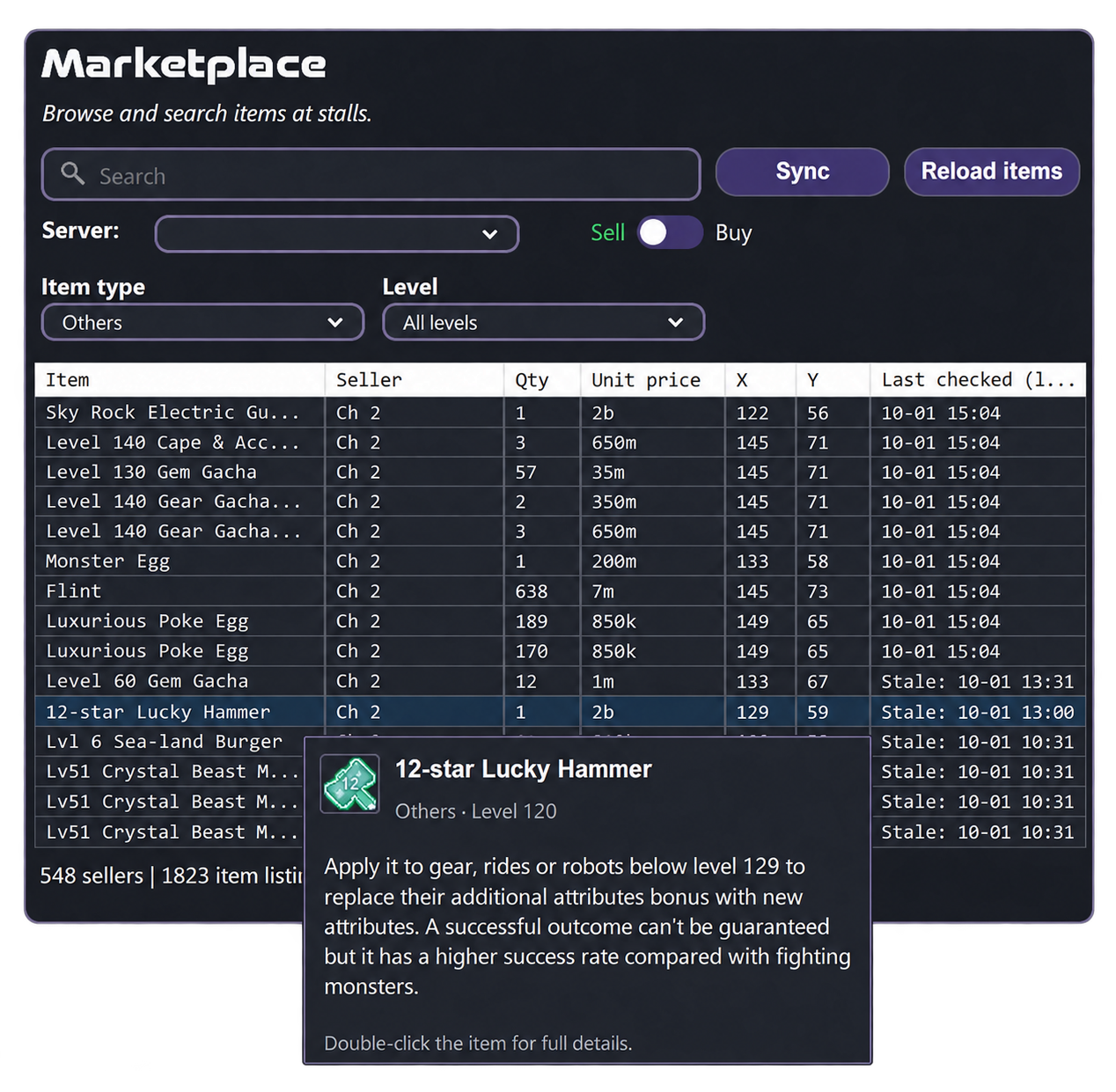
Explore Everyday tools →Search collected stall listings by item name. Filter by server, item type and level, then compare quantity, unit price and seller coordinates. Sort by name or price to narrow down the best match.
Listings show the latest available details. Stock and prices may change before your visit.
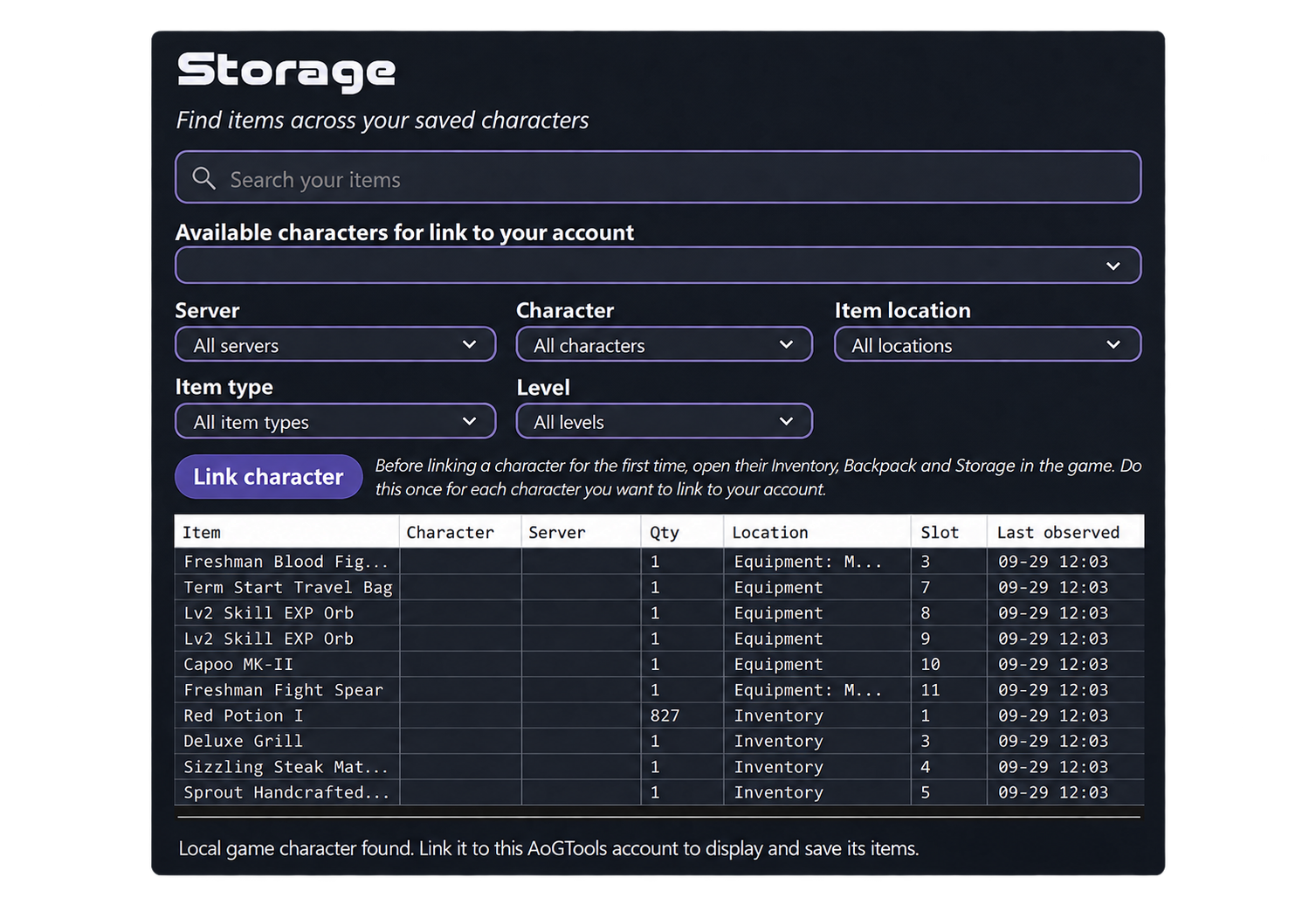
Link a character to your AOTools account from the desktop app, then search the items saved from your characters in one place. Filter by server, character, location, item type and level.
Storage shows saved observations, not a live guarantee of what is currently on a character.
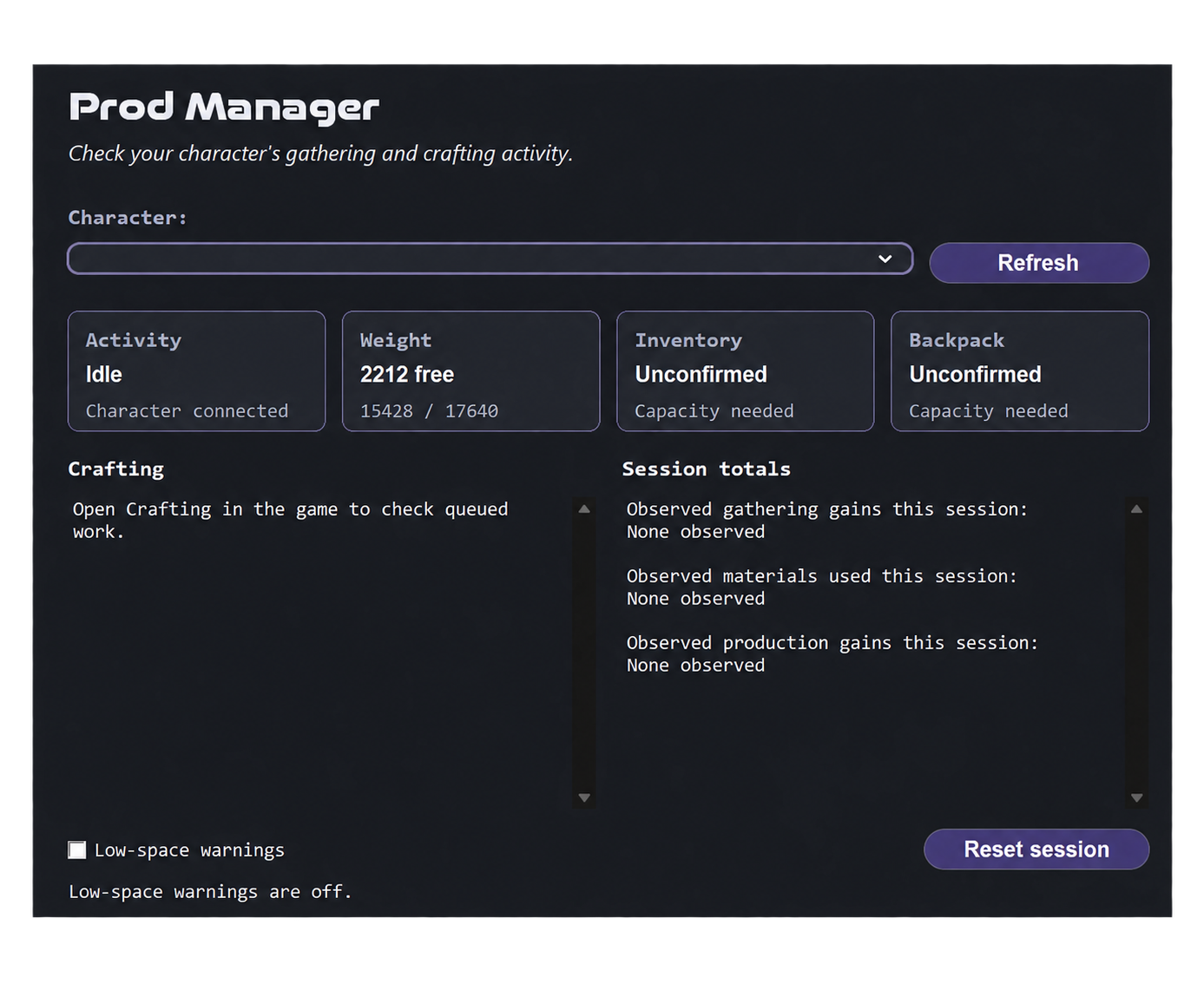
Follow your character’s gathering and crafting activity in one dashboard. Check weight, available inventory and backpack space, and see what your session has produced.
Prod Manager monitors activity. Open the relevant in-game panels so the app can observe the latest details.
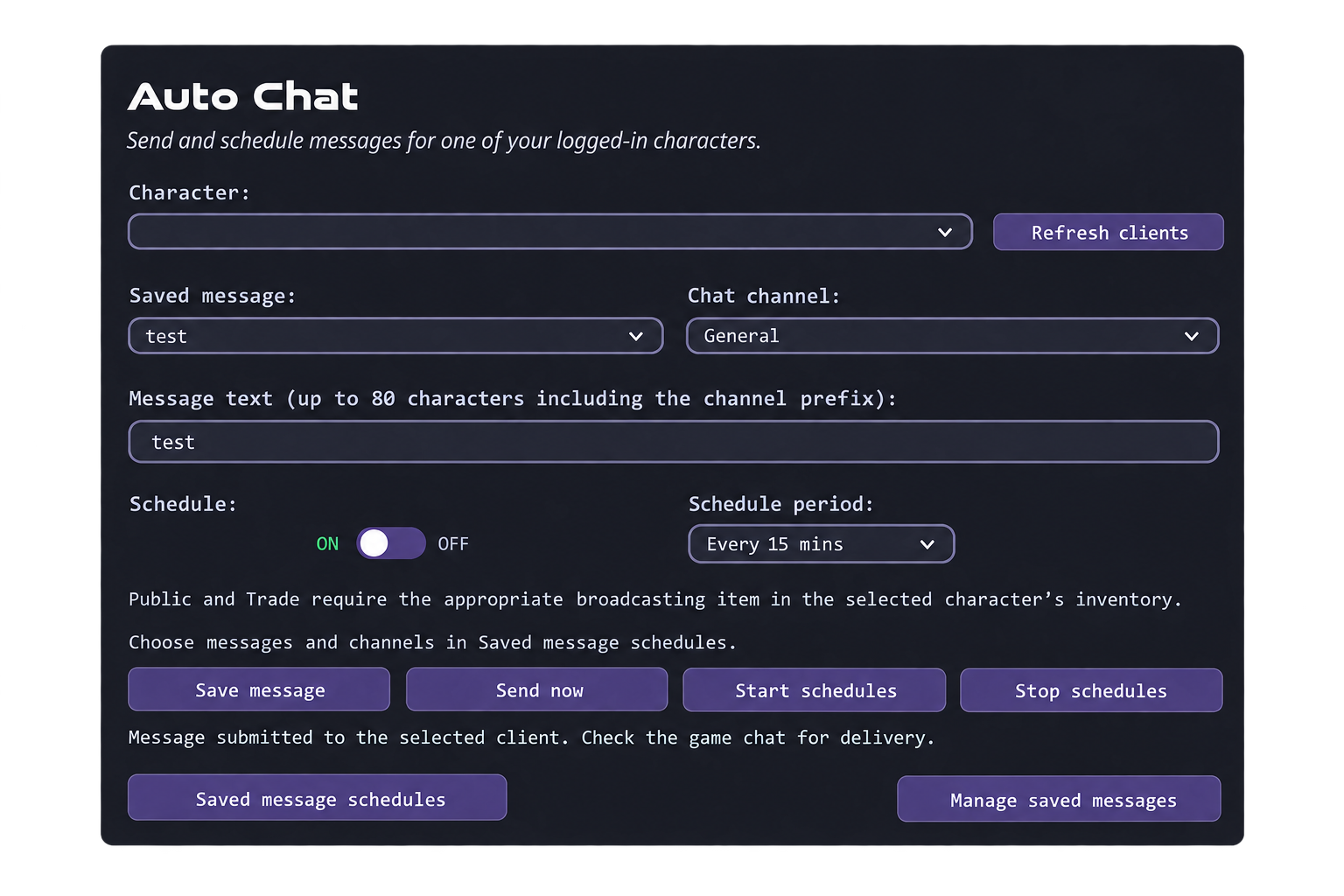
Choose a logged-in character, save a message and send it now, or schedule selected messages at your chosen interval.
The selected game client must be running. Public and Trade require the appropriate broadcasting item in the character’s inventory. Channel access follows the game’s rules.
Choose what stays visible when a new game client starts. Keep playing your way: you can still change the panels in game afterwards.
Choose whether the HP bar starts visible.
Choose whether the skill panel starts visible.
Choose whether character information starts visible.
Hide the event window at startup if you prefer.
Dismiss the Trade PIN reminder at startup.
Startup preferences apply once to newly opened clients. They do not keep overriding later in-game changes. Dismissing the reminder does not set or remove your Trade PIN.
Display Fix, chat censorship, the EXP / SXP calculator and Game UI are included with every account.
Apply or remove the supported game resolution fix. Select a screen and move the running game to it.
Turn the game’s chat word filter on or off. Restart Angels Online for the change to take effect.
Enter your current level, target level and current EXP percentage to calculate the experience still needed.
Start free. Add production, market searches and saved-item tracking as you need them.
Monthly plans renew monthly; Lifetime is a one-time purchase.
No payment required
VAT included
VAT included
VAT included
VAT included
Use your AOTools account to choose a paid plan through checkout.
The Windows app is where Marketplace, Storage, account linking and game settings work. Download the latest release, install it, and sign in or create your account.
Download AOToolsWindows 64-bit · Version 1.0.1.299 · Free to get started
Verify download (SHA-256) · Release notes
No. AOTools is an independent toolkit for Angels Online. You need your own game installation. It is not affiliated with or endorsed by the game's publisher.
Storage works in the Windows app. This page explains and shows the feature; it does not sign into your account or display your saved items.
Marketplace, Storage and Prod Manager show the most recent details observed by the app. Listings and saved items may change between observations.
Yes. Choose Plus, Premium, Max or Lifetime above to continue to checkout. Sign in with your AOTools account so your plan is linked to the right account.